NudgeCart – Abandoned Cart Recovery for WooCommerce
Win back lost sales on autopilot: every abandoned cart gets a timed reminder, a one-click restore link and, in Pro, its own coupon.
- Block checkout compatible
- Free version available
- HPOS compatible
- Works with Google Sheets
- Works with Slack
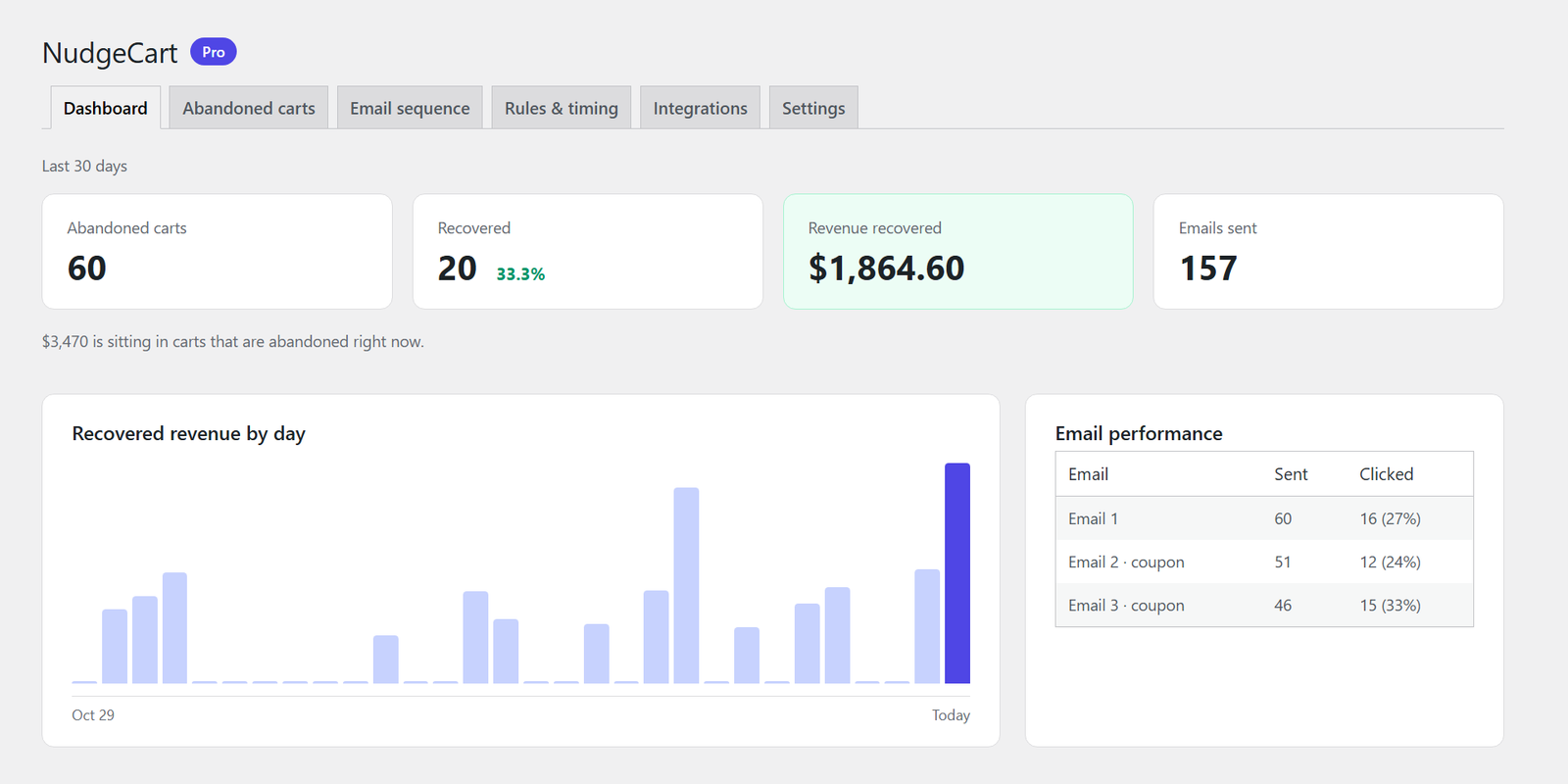
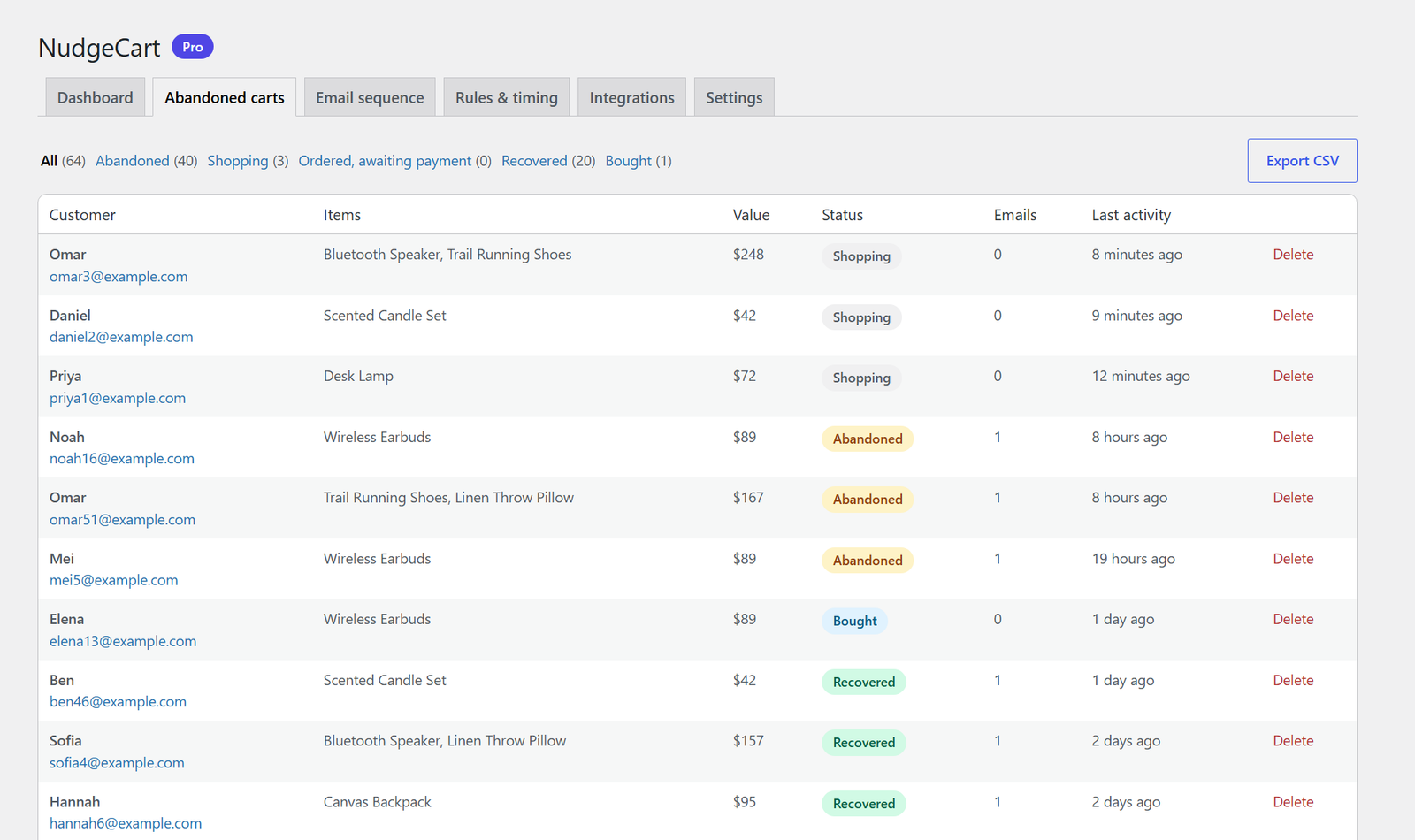
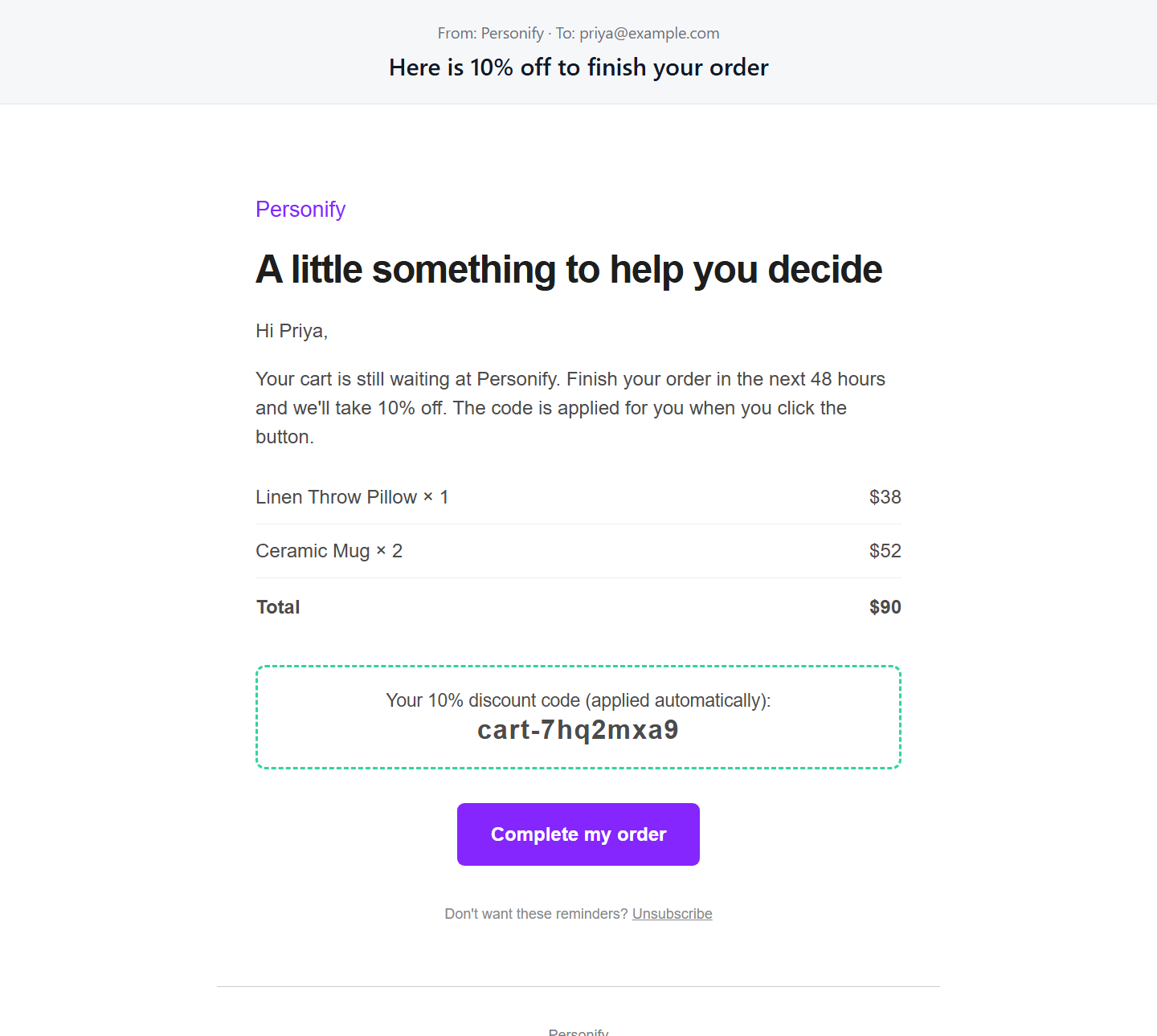
Real screens from the plugin — click to enlarge
What changes for you
Today, by hand
- Scrolling through orders to spot carts that never got paid
- Copying customer emails into your mail tool by hand
- Writing one-off "did you forget something?" emails
- Creating discount codes one at a time
- Guessing how much revenue walked out the door
With NudgeCart – Abandoned Cart Recovery for WooCommerce
- Every abandoned cart is saved automatically, guests included
- A timed email sequence goes out without you lifting a finger
- Shoppers restore their full cart with one click
- A unique, expiring coupon is created for each shopper
- A dashboard shows exactly how much revenue came back
Features
Capture
- Tracks carts for logged-in customers and guests
- Saves the email as soon as it is typed at checkout
- Works with the block checkout and the classic checkout
- Consent notice and one-click opt-out for GDPR
Recover
- Email sequence with up to 5 timed steps
- One-click cart restore links
- Unique, auto-expiring coupons per shopper
- Merge tags for name, cart items, total and coupon
Insights
- Recovery dashboard: carts, recovery rate and revenue
- Abandoned cart list with status and value
- Slack alert when a high-value cart is abandoned
- Export carts to CSV or Google Sheets
Control
- Send delays and quiet hours
- Exclude products, categories or user roles
- Sequence stops the moment the customer buys
- HPOS compatible and runs in the background
Most shoppers who add something to their cart leave before paying. Some got distracted, some wanted to compare prices, some hit a question at checkout. Many of them would still buy — if someone reminded them at the right moment.
NudgeCart does that reminding for you. It saves every abandoned cart, including guests who only typed their email, then sends a short, well-timed email sequence with a link that restores the full cart in one click. In Pro, each shopper can get their own expiring coupon, and the dashboard shows exactly how much revenue came back.
Set it up once in about five minutes. After that it runs on its own.
Free vs Pro
The core features, free forever. Upgrade any time without losing settings.
Coming soon to WordPress.orgEverything in Free, plus full automation, coupons, analytics and integrations.
Choose a Pro license| Feature | Free | Pro |
|---|---|---|
| Abandoned cart tracking (customers and guests) | Yes | Yes |
| Email capture at checkout | Yes | Yes |
| Reminder emails | 1 email | Up to 5-step sequence |
| One-click cart restore link | Yes | Yes |
| Recovery dashboard | Basic | Full revenue analytics |
| Unique, expiring coupons | — | Yes |
| Email templates with merge tags | 1 template | Unlimited |
| Exclude products, categories and roles | — | Yes |
| Slack alerts for high-value carts | — | Yes |
| Google Sheets and CSV export | — | Yes |
| Send delays and quiet hours | — | Yes |
Requirements
- WordPress
- 6.4 or later
- WooCommerce
- 8.0 or later
- PHP
- 7.4 or later
Resources
FAQ
Does it work with the WooCommerce block checkout?
Yes. It captures carts from both the block checkout and the classic checkout.
Is it compatible with HPOS?
Yes, it fully supports High-Performance Order Storage.
Which email service does it use?
It sends through your site's normal WordPress mail, so it works with whatever SMTP plugin you already use, such as WP Mail SMTP or FluentSMTP.
Is tracking guest carts GDPR-friendly?
A consent notice shows under the email field, shoppers can opt out in one click, and abandoned cart data is deleted automatically after the number of days you choose.
Can I upgrade from Free without losing data?
Yes. Install Pro alongside the free version and your carts, emails and settings carry over.
Will it slow down my store?
No. Tracking is one small request at checkout, and emails are sent in the background with WooCommerce's Action Scheduler.
What happens after the first year?
The product keeps working. You can optionally extend updates for another year at about 40% of the original price. We never renew automatically.
Related products
-
Reports & Alerts
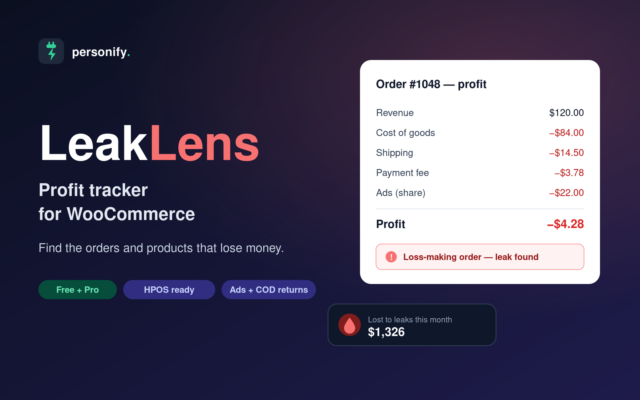
LeakLens – Profit Tracker for WooCommerce
See the real profit on every order and product — after cost of goods, shipping, payment fees, refunds,…
From $49View -
Payments & Recovery
GatewayMetrics – Payment Gateway Reports for WooCommerce
See how much every payment gateway really earns — and get an email the moment one starts failing.
From $39View -
Customers & Marketing
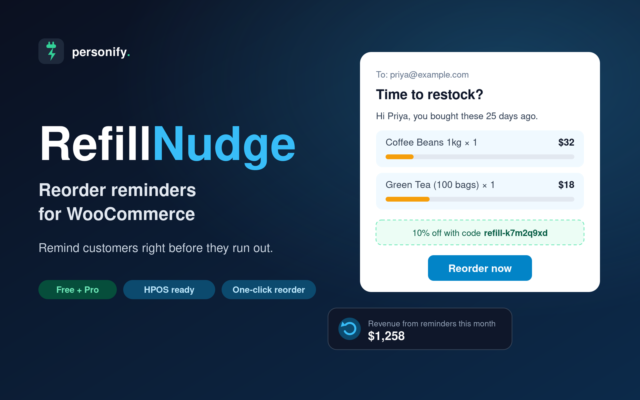
RefillNudge – Reorder Reminders for WooCommerce
Email customers a few days before the products they buy run out, with a one-click button that refills…
From $59View

Reviews
There are no reviews yet.