GatewayMetrics – Payment Gateway Reports for WooCommerce
See how much every payment gateway really earns — and get an email the moment one starts failing.
- Block checkout compatible
- HPOS compatible
Real screens from the plugin — click to enlarge

What changes for you
Today, by hand
- No idea which payment method brings in the most money
- A gateway failing at checkout and nobody noticing for days
- Refunds and failed payments hidden across hundreds of orders
- Copying order data into spreadsheets to compare gateways
- Pending and on-hold orders quietly piling up
With GatewayMetrics – Payment Gateway Reports for WooCommerce
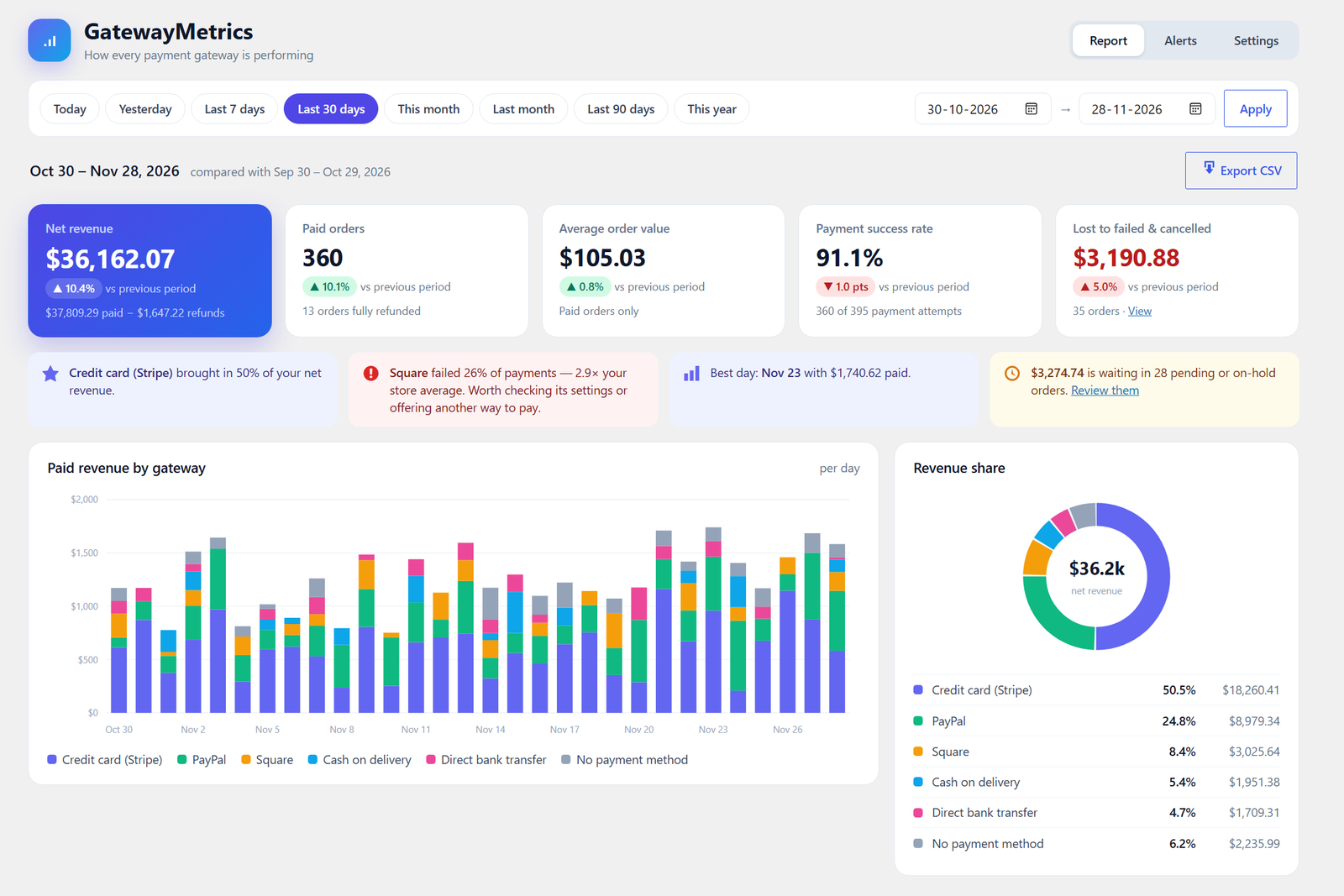
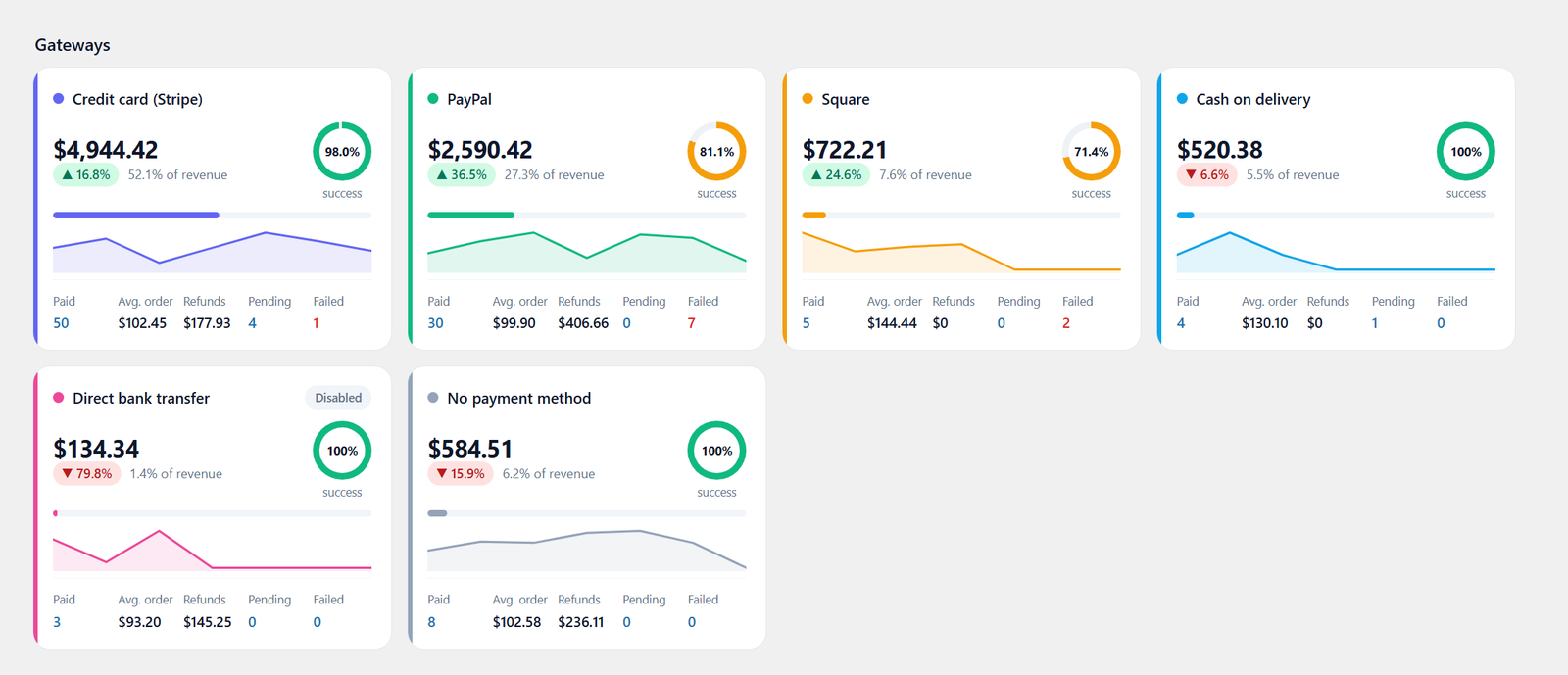
- Revenue, refunds and net revenue for every gateway on one screen
- Success rate per gateway, with failing ones flagged in red
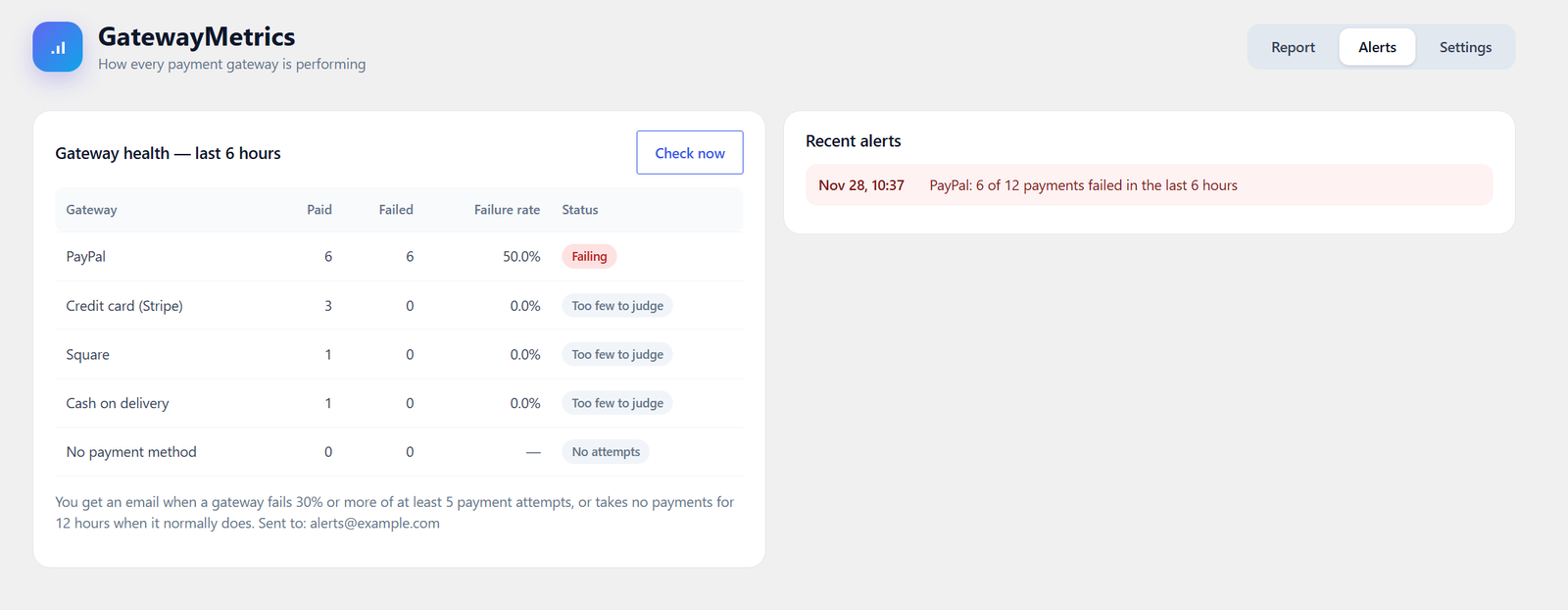
- An email alert when a gateway fails or stops taking payments
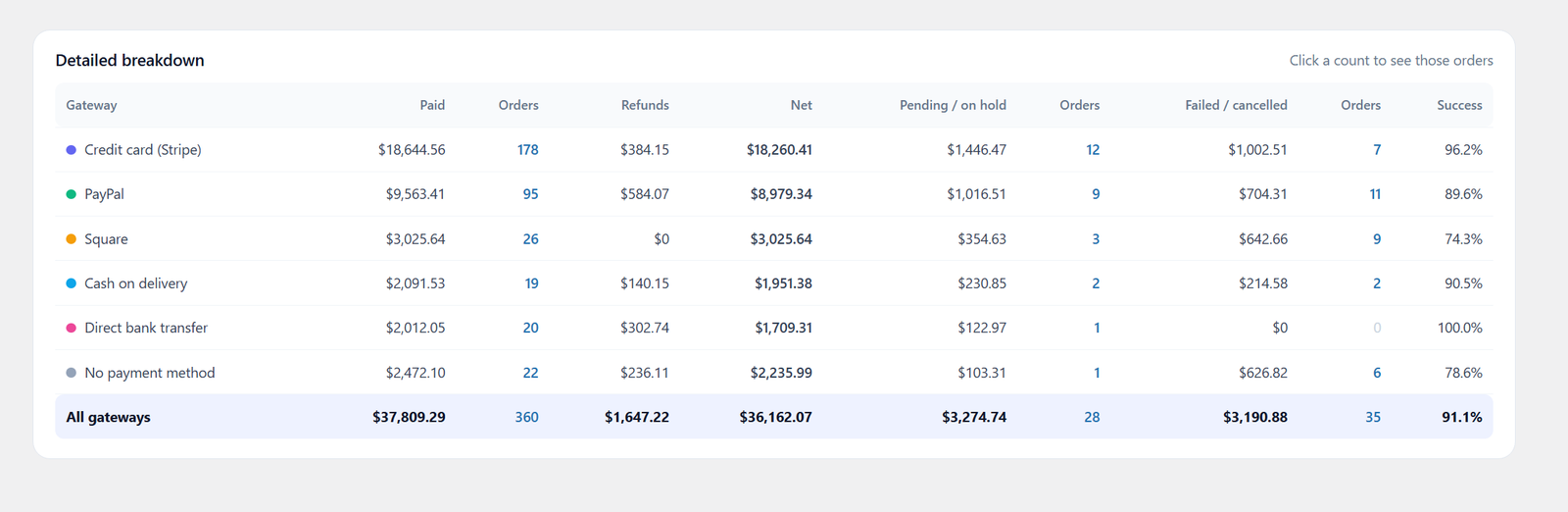
- Click any number to open the exact orders behind it
- A daily, weekly or monthly report in your inbox
Features
See every gateway
- Paid revenue, refunds and net revenue per gateway
- Share of revenue, order count and average order value
- Pending / on-hold and failed / cancelled orders and their value
- Payment success rate with failing gateways flagged
Compare and explore
- Today, yesterday, last 7 / 30 / 90 days, this or last month, this year, custom dates
- Every number compared with the previous period
- Revenue by gateway over time, revenue share and trend lines
- Plain-English insights: top gateway, failure hot spots, best day
- Click any count to open those orders
Stay ahead of problems
- Email alert when a gateway's failure rate jumps
- Email alert when a gateway that normally takes payments goes quiet
- Daily, weekly or monthly email report
- Today's payments by gateway on the WordPress dashboard
Built for real stores
- Each currency reported separately, never added together
- CSV export
- Works with HPOS and the classic order storage
- Fast summary queries, even with tens of thousands of orders
Most stores offer three or four ways to pay, but WooCommerce never shows how each one is doing. Which gateway brings in the most money? Which one keeps failing at checkout? Is PayPal quietly declining payments right now? You only find out when sales drop or a customer complains.
GatewayMetrics puts every gateway side by side: paid revenue, refunds, net revenue, average order value, pending orders and failed payments, with the success rate of each and the change from the previous period. Click any number to see the exact orders behind it.
It also watches your gateways every hour and emails you when one starts failing or suddenly stops taking payments — so a broken checkout costs you hours, not days.
Requirements
- WordPress
- 6.4 or later
- WooCommerce
- 8.0 or later
- PHP
- 7.4 or later
Resources
FAQ
Which orders count as paid?
Processing and Completed orders by default, plus Refunded orders (their refunds are then subtracted). You can add your own statuses, such as Shipped, in Settings.
How are refunds counted?
Full and partial refunds are counted on the day they were issued, against the gateway of the original order — so net revenue always matches what you actually kept.
What counts as a failed payment?
Orders marked Failed or Cancelled. The success rate is paid orders divided by paid plus failed orders.
When do I get an alert?
When a gateway fails 30% or more of at least 5 payment attempts within 6 hours, or takes no payments for 12 hours when it normally does. You can change every number.
Does it work with my gateway?
Yes. It reads your WooCommerce orders, so it works with every payment gateway — Stripe, PayPal, Square, WooPayments, bank transfer, cash on delivery and any other.
Does it change my orders or slow down checkout?
No. It only reads orders, and only when you open the report or the hourly check runs.
Is there a free version?
No, GatewayMetrics is a paid plugin. Your license includes 1 year of updates, and the plugin keeps working after that.
What happens after the first year?
The product keeps working. You can optionally extend updates for another year at about 40% of the original price. We never renew automatically.
Related products
-
Payments & Recovery
NudgeCart – Abandoned Cart Recovery for WooCommerce
Win back lost sales on autopilot: every abandoned cart gets a timed reminder, a one-click restore link and,…
From $49View -
Reports & Alerts
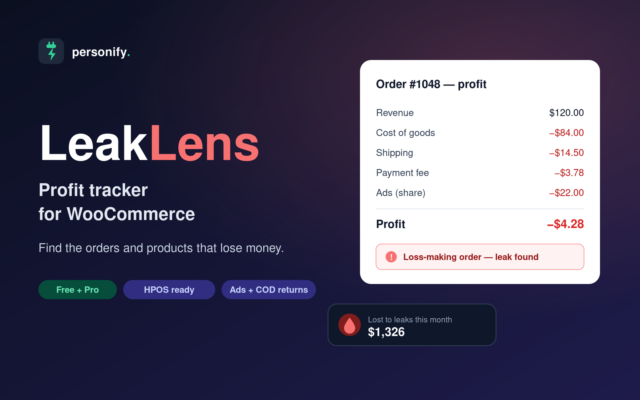
LeakLens – Profit Tracker for WooCommerce
See the real profit on every order and product — after cost of goods, shipping, payment fees, refunds,…
From $49View -
Customers & Marketing
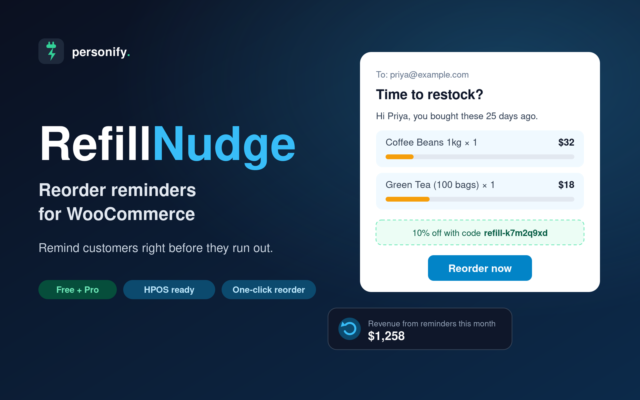
RefillNudge – Reorder Reminders for WooCommerce
Email customers a few days before the products they buy run out, with a one-click button that refills…
From $59View

Reviews
There are no reviews yet.